

We never train AI on your content
Before. During. After. Covered
Warm up the chat
Think together, live
Act and recall
Capture, interact, organize –
all in one place
Real-time AI transcription
Live transcript as the meeting happens, with speakers separated – and AI you can interact with the moment something matters.
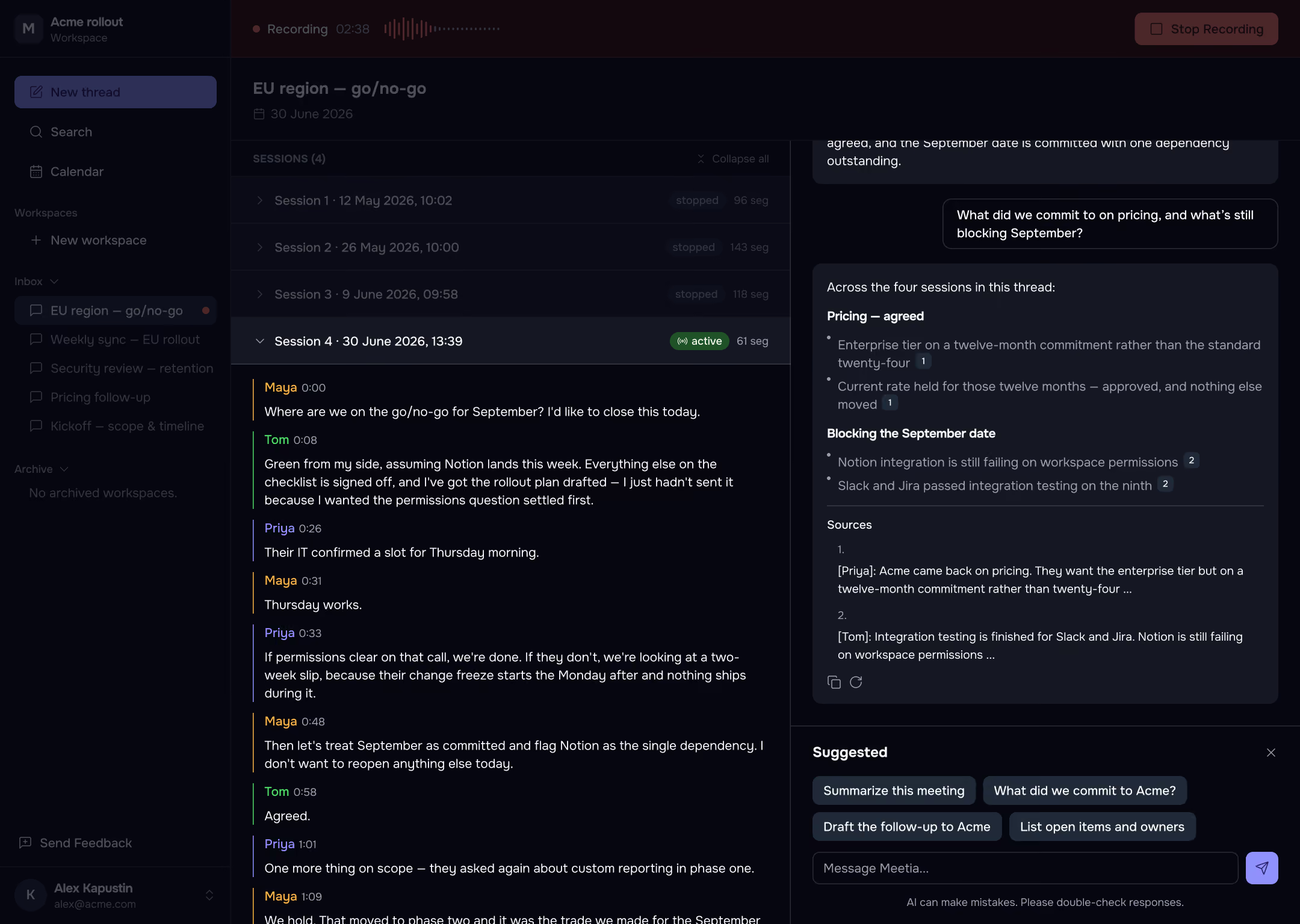
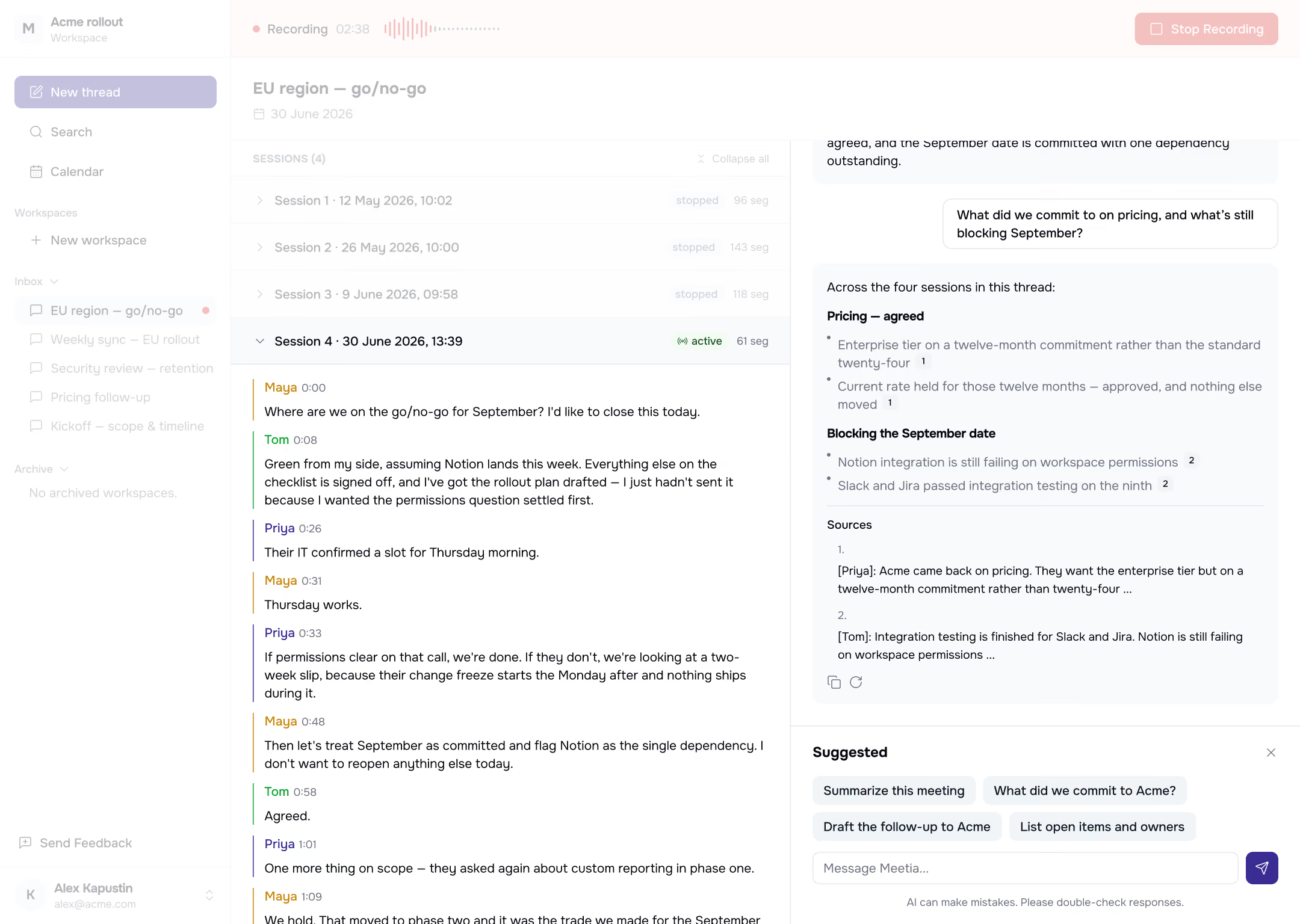
Smart threads
Prep chat, then the live meeting, then the next one – attached to the same thread and always resumable.
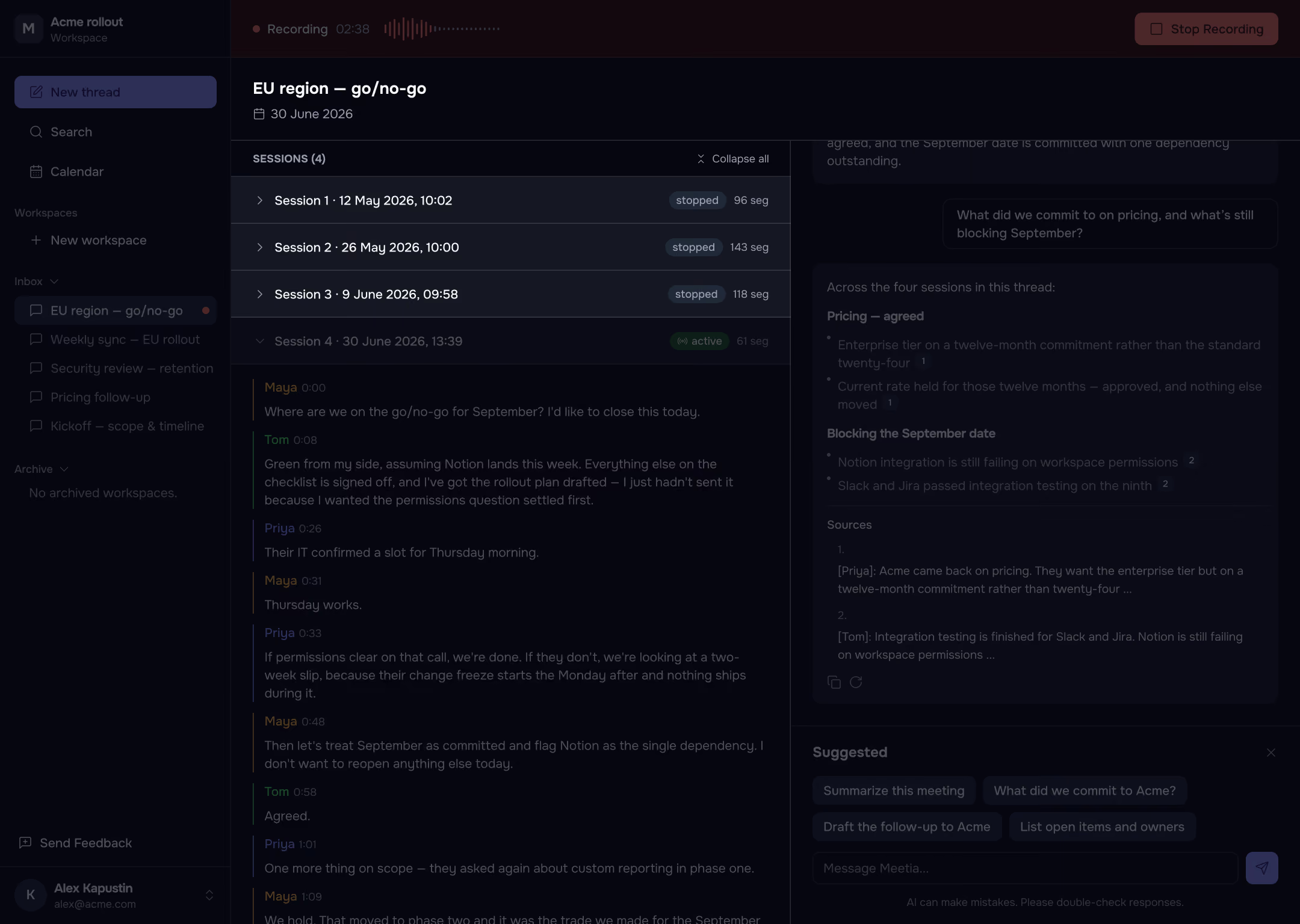
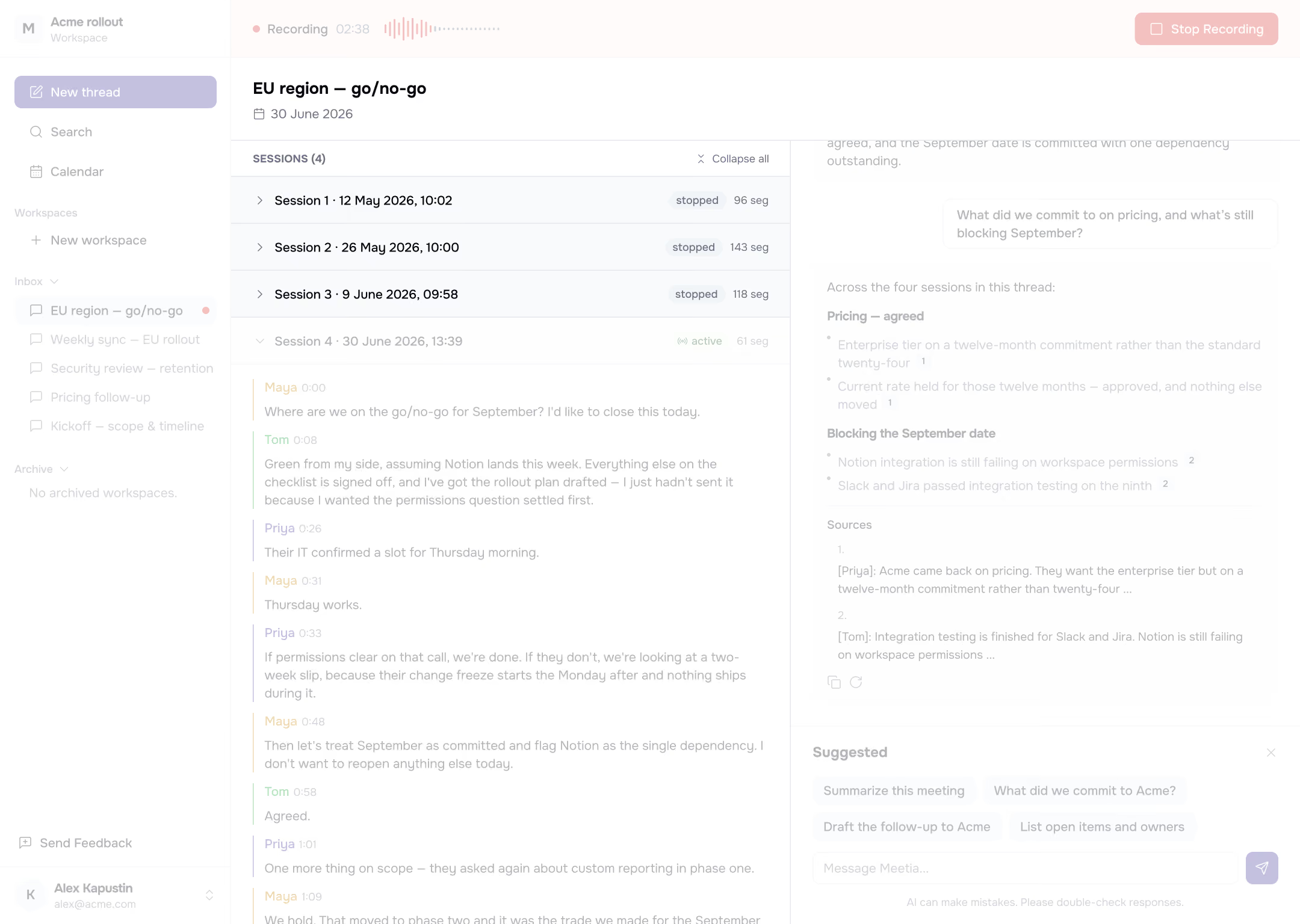
Workspaces & Knowledge Base
Threads grouped into context-aware projects, with documents and every transcript indexed and citable.
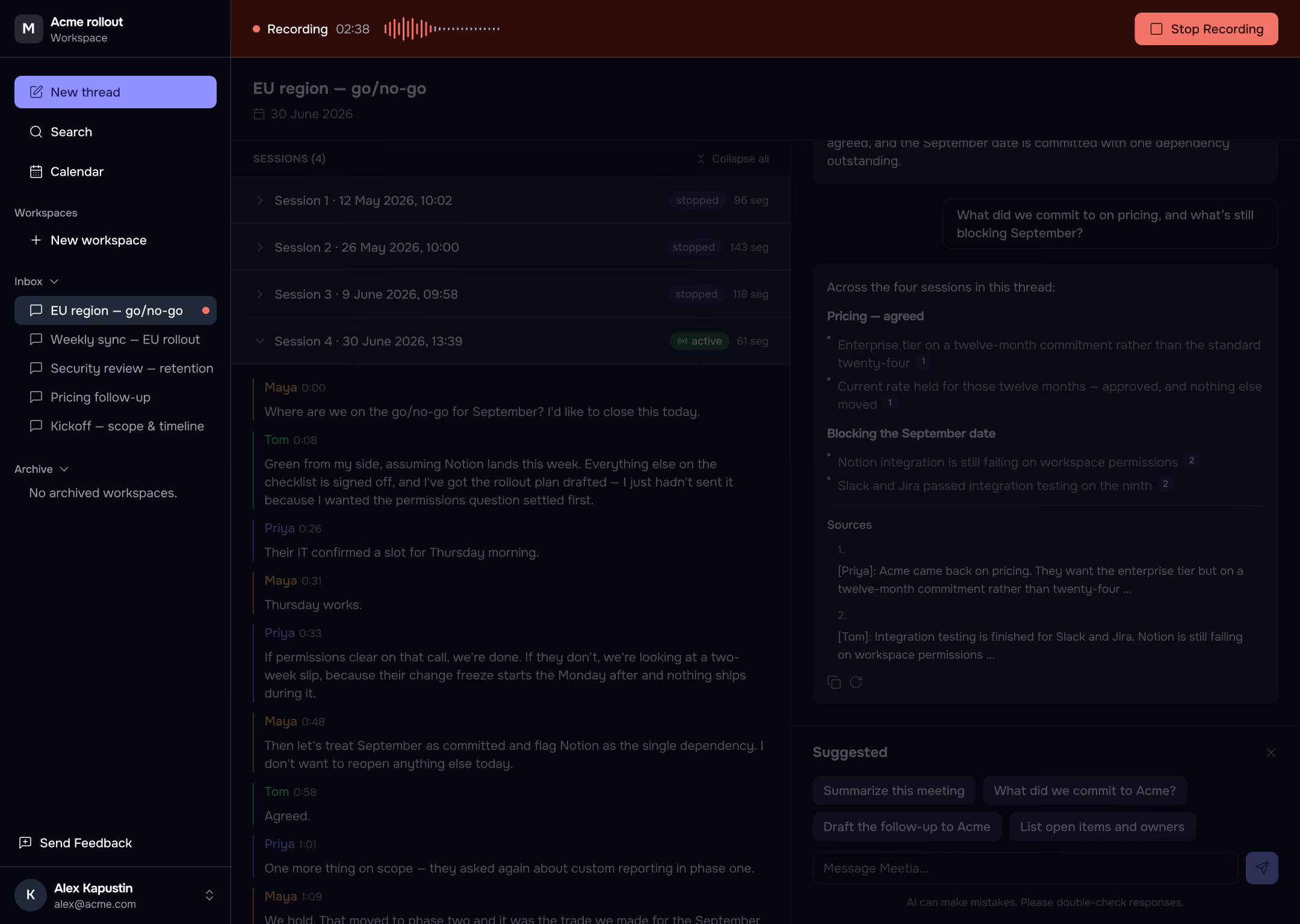
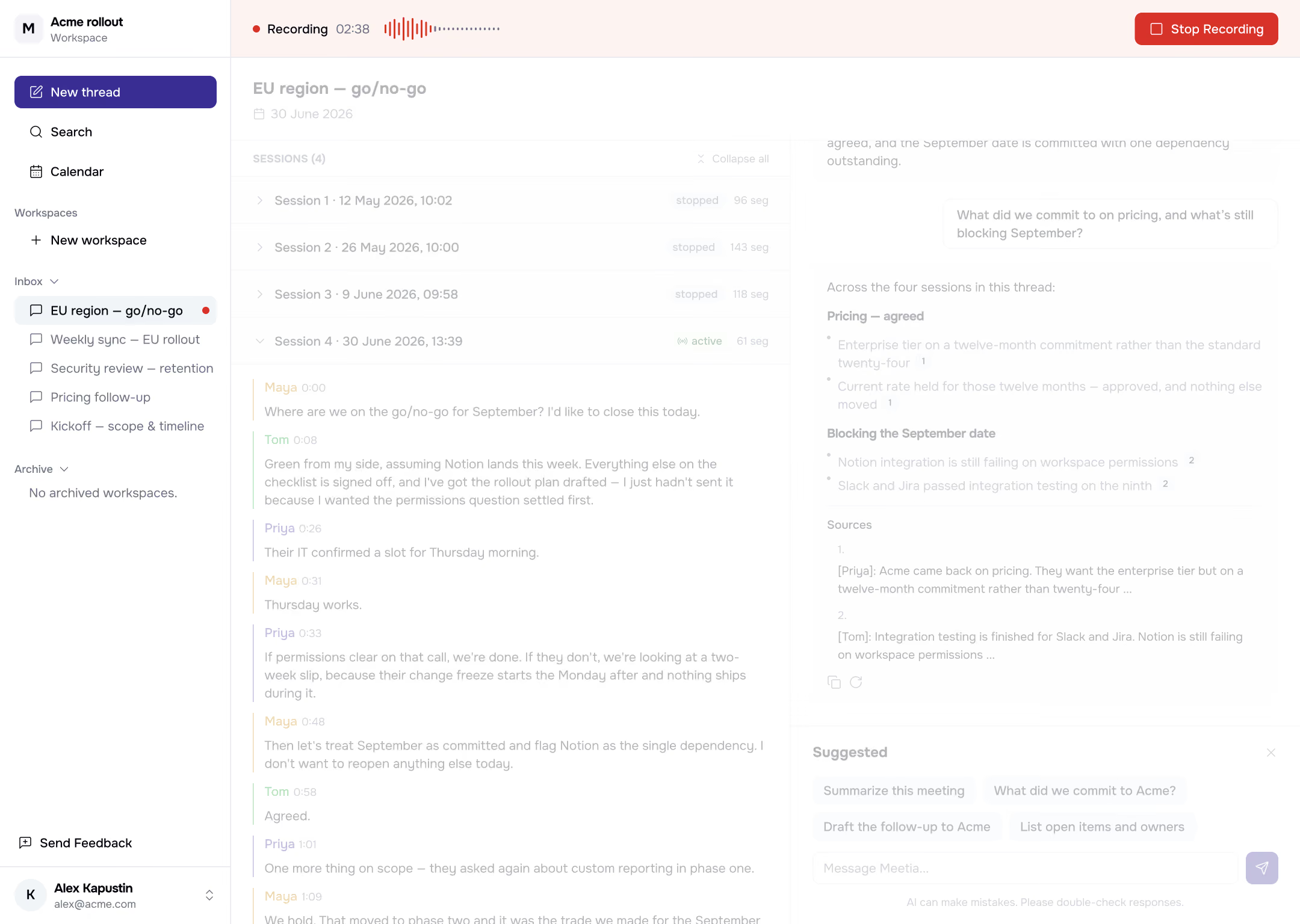
Ask Meetia anything during conversation
Every answer cites its source
No bot in the call
Nothing joins your call.
Conversation capturing discreetly from your side.
In your browser
Capture any browser-based call, including Zoom, Teams, and Meet, separates speakers.
On your Mac
Desktop app captures system audio from any app, separates speakers, ~30 languages.
Meetia stores only the transcript – never your audio or video
One agent, tuned to how you meet
Meetia adapts its output to your meeting's purpose, participants, and domain
Sales calls
Handle objections and capture CRM-ready notes
UX research
Turn interviews into clear insights and themes
Team brainstorms
Capture ideas and make decisions faster
Recruiting
Create structured notes for fair comparisons
Customer support
Get live reply help with full account context
Client work
Turn conversations into reports and action plans
Strategy
Keep every decision searchable and accessible
Standups & 1:1s
Capture updates and generate clear follow-ups
Education
Follow discussions and answer questions live
Accessibility
Live transcription for hearing and speech support
Key features
Integrations via MCP
Slack, Jira, Notion, and more, right in chat. Google Calendar built in.
Sourced answers
Numbered citations to the exact transcript line, doc, or thread.
Automatic call detection
The Mac app notices when a call starts and offers to record.
Calendar auto-record
Connect Google Calendar; your rules decide what records itself.
Stay present.
Let Meetia handle the rest
Prep, brainstorm, decide, and follow through – with one AI agent across your whole meeting